Parish Directory
Parish Directoy
REALM CONNECT
To access the church directory, please log in to your realm account using the instructions below.
At Saint Katherine's, we are blessed to have many ministries, activities, and events that help us grow in our Lord’s name. Communication is central as we navigate through life’s challenges.
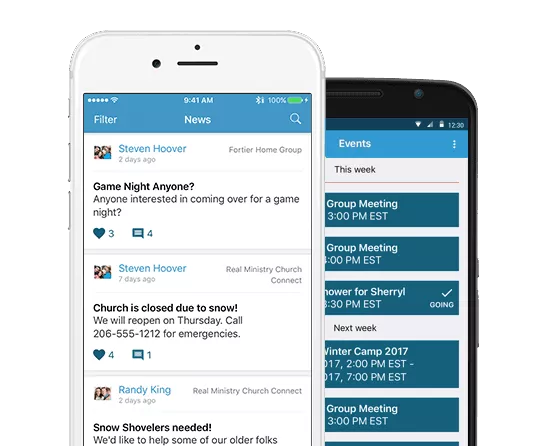
We now have a singular, centralized, and organized resource to keep our Saint Katherine Family aware of what’s going on and grow as a connected church family. Realm Connect is an application that facilitates fast and effective communication—when we’re not able to connect in person.
Realm Connect serves both as an important tool for our ministry staff, as well as an online ministry tool that offers exciting opportunities to support your involvement in our church. Access it through an app on your mobile devices or through a browser window on your personal computer.
If you have an established Realm Account, click on the below button to login.
Realm Account
SET UP
Accept Email Invitation
Check your inbox for an invite from the church to join Realm Connect. A link in the email coming from notifications@onrealmmail.org (if you don’t receive – check your spam). will take you to Realm Connect in your web browser. You will need to create login credentials for your account. Remember to save your login information in a safe place so you can easily access it.
Create A Profile
After you are successfully logged on, you can begin to create your account profile. This will consist of your basic personal information. You can add immediate family members, profile photos, and more. Your profile is how other parishioners will identify you within the application.
Download The App
Once you have successfully set up your account profile, you are now ready to go mobile. You can download the “Realm Connect-For Our Church” app from either the Apple or Google Play app stores. Once you have installed the app on your device, you will log in using your credentials.
Cynthia Lynn
For questions related to Realm realmstkatherine@gmail.com.